Mobile Data Planning for Wheelchair Users Traveling Abroad With eSIM
Plan mobile data for wheelchair travel abroad, with eSIM setup checks, lift outage updates, transport contacts, repair planning, and offline backups.
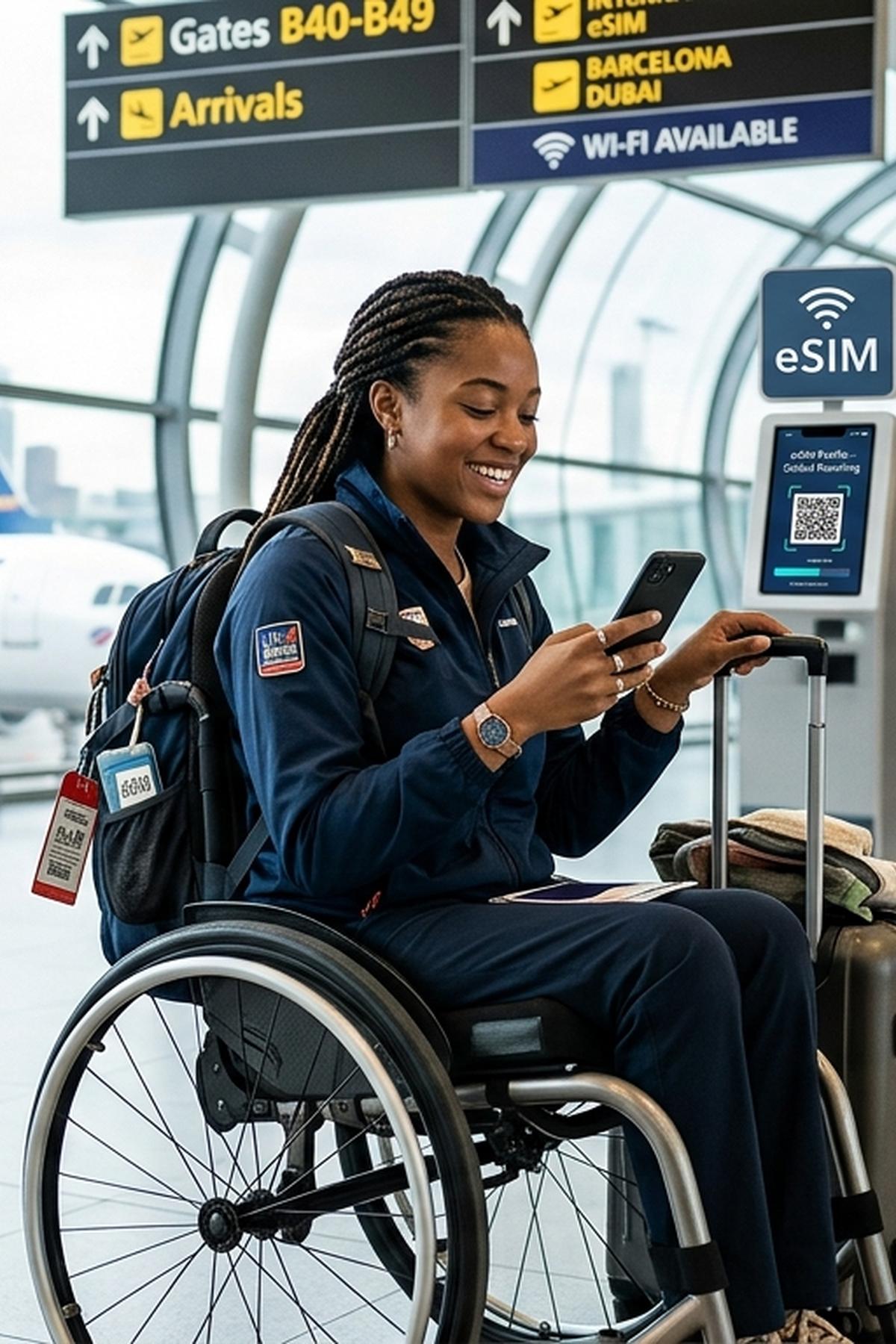
A broken station lift can change your whole afternoon. You may need another entrance, a different train, or an accessible vehicle that can take your wheelchair. Mobile data gives you a way to check updates and contact people while you work out the next move. Before traveling abroad, plan that connection around the access information and support you actually need.
Your Connection Checklist
- Check phone compatibility and plan activation rules before departure.
- Save transport, lift status, and wheelchair repair contacts.
- Keep offline backups because mobile data cannot guarantee access.
Start With the Access Decisions You Need to Make
Think through your arrival day before choosing a data plan. Where will you check whether the airport rail station lifts are working? How will you contact your booked driver if baggage collection takes longer than expected? Who could help if your wheelchair develops a fault?
These tasks matter more than a headline data allowance. A plan that supports maps and messaging may still leave a gap if your transport provider only accepts ordinary phone calls. Reliable communication also depends on having the right contacts saved before you need them.
Create a small trip folder on your phone. Include booking references, transport instructions, relevant station names, and written access confirmations. Record when each confirmation was issued. A message confirming a working lift several weeks ago needs another check near your travel date.
Check Your Exact Phone Before Buying an eSIM
An eSIM is a digital SIM profile installed on a compatible device. Do not assume your phone supports it because another phone with the same family name does. Check the exact model and the market where it was sold. Regional versions can have different features.
Confirm that your phone can accept another provider's SIM. A carrier lock may prevent a travel eSIM from working. Check this while you still have time to contact your home network.
Your predeparture device check should cover these points:
- Exact compatibility: Match your model and regional version against the provider's supported devices.
- Carrier restrictions: Confirm whether your phone is locked to your home network.
- SIM capacity: Check whether your device can keep your home line and travel eSIM active together.
- Usable controls: Make sure you can manage installation, line selection, and troubleshooting with your usual accessibility settings.
- Power and charging: Pack a suitable cable, destination plug adapter, and a charged power bank.
If handling your phone is difficult, arrange it where you can reach it comfortably. Test your mount, voice controls, or other input method before leaving. Save key contacts as favorites to reduce the number of steps needed during a stressful transfer.
Choose Coverage Around Your Actual Itinerary
A country appearing on a coverage list does not mean every part of your journey will have service. Buildings, tunnels, terrain, and local network conditions can affect reception. A connection that works outside a station may disappear before you reach the platform.
Check every destination on your itinerary, including transit stops where you may need to contact assistance. For a regional plan, read the actual country list. Do not infer coverage from the regional name.
Ask which local networks the plan uses and whether it permits switching between supported networks. Two eSIM products may rely on the same local carrier. Buying both would not necessarily provide a useful backup against that carrier losing service.
Read the allowance terms as carefully as the coverage terms. Check expiry, reduced speeds after a usage threshold, hotspot permissions, and the process for adding data. Video calls with a repair technician can use much more data than text messages. Leave room for unexpected communication instead of budgeting only for routine map checks.
Separate Installation From the Start of Your Plan
Installing an eSIM and starting its validity period are not always the same event. Depending on the product, the clock may start at purchase, installation, manual activation, or first connection to a supported network. Get a clear answer for the plan you buy.
Use these steps to prepare your connection:
- Read the activation terms. Confirm what starts the validity period and whether there is an installation deadline.
- Prepare on reliable Wi-Fi. Charge your phone and keep your purchase details available.
- Install when the plan permits. Follow the instructions for your device and give the profile a recognizable label.
- Check line settings. Identify which line will handle mobile data and review automatic data switching.
- Save support instructions. Keep a local copy of the troubleshooting steps and support contact details.
- Test after arrival. Once connected, open a webpage and send a message before depending on the connection for a transfer.
Review how to install eSIM while you have a stable internet connection and time to follow the device instructions. Check whether you need a second screen for a QR code or whether your installation method supports opening it directly on your phone.
Some travel plans require data roaming to be enabled on the travel eSIM. Follow your provider's instructions for that line. Review your home line separately to avoid unintended roaming charges. If installation fails, contact support before deleting the profile, since reinstalling may require a replacement.
Make Sure You Can Reach Real People
Many travel eSIM plans provide data without ordinary voice calls or SMS. Check the product details rather than assuming a local number is included. Internet messaging helps only if the person you need uses the same service and monitors it.
Before departure, ask your accessible transport provider how to contact dispatch on the travel day. Confirm whether they accept messages, calls through an app, or only calls to a telephone number. Save the number with its international country code.
Ask what happens if your flight is delayed or you cannot find the pickup point. Get a specific meeting location, including the terminal, door, and level where relevant. A message saying “outside arrivals” may leave too much room for confusion.
Check whether booking apps require SMS verification. Keeping your home number available may help, but charges and service abroad depend on your home provider. Arrange access to required accounts before traveling. Do not leave a login problem until you need to book a replacement vehicle.
Use Lift Updates to Check a Route, Then Verify the Details
Save the transport operator's lift status information before departure. Check it before leaving your accommodation and again before committing to a station entrance. Look for a timestamp and the exact lift affected.
A station can have several lifts serving different entrances or platforms. A report that one lift is working does not establish that your entire route is usable. Match the update to your direction of travel and the entrance you intend to use.
When information is unclear, contact the operator. Ask whether there is a continuous step-free route from the street to your required platform. Ask about boarding gaps, ramps, and any assistance arrangements that apply to your journey.
Mobile data helps you verify access information. It cannot guarantee a step-free route, a working lift when you arrive, or available assistance. Updates can be delayed. Staff availability can change. Save a realistic alternative with a confirmed access route, not just the nearest station on a map.
Prepare Wheelchair Repair Contacts Before a Fault
A repair search is harder when your chair has stopped working and your phone battery is running low. Contact your manufacturer, supplier, or a suitable destination repair service before departure. Ask who can work on your exact wheelchair model.
Confirm what the service can provide. A workshop may handle manual wheelchair tires but have no equipment for diagnosing a powered chair. Ask about callouts, opening hours, parts availability, and whether the premises have an entrance you can use.
Save your model, serial number, and relevant equipment documents. Keep clear photographs of component labels and any existing fault messages. These can help a technician assess the problem remotely. Share sensitive documents only when needed.
Ask what you would do while the chair is being assessed. Is a suitable loan chair available? Can transport carry your chair if it cannot move under its own power? Connectivity can help coordinate these arrangements, but it cannot create spare parts or a replacement chair locally.
Build an Offline Backup You Can Actually Use
Your backup should still work with no signal and no account login. Download files onto the phone rather than leaving them as cloud shortcuts. Test them in airplane mode before departure.
Keep these items available offline:
- Arrival details: Your accommodation address, pickup point, and booking references.
- Transport alternatives: Saved access instructions and confirmed backup vehicle contacts.
- Repair information: Technician numbers, chair details, and relevant documents.
- Local maps: Downloaded areas around your accommodation and planned destinations.
- Communication notes: Short translated phrases explaining your wheelchair dimensions and assistance needs.
- Paper essentials: A compact copy of key addresses and contact numbers in a reachable place.
Offline maps can help you locate streets and buildings. They do not establish that pavements, entrances, or station routes are accessible. Keep verified access instructions beside the map. Saved lift information also needs a visible date because it will become outdated.
If you travel with someone, agree on a meeting point if messages stop working. Keep your own essential information accessible where possible. A companion's phone can also lose power or signal.
Leave With a Connection Plan You Can Trust
Before leaving home, check that your eSIM instructions are saved, your contact methods work, and your offline files open. Charge your phone and power bank. Confirm the first accessible transfer and its backup.
The useful result is a clear next action. You know where to check a lift report, who to contact about a delayed pickup, and which repair service understands your chair. You also know what remains unverified.
Mobile data can reduce the time spent searching for answers abroad. Pair it with specific access confirmations and usable backups. That gives you more options when a route changes, without treating connectivity as a promise that the route will work.